 Ideas
Ideas
+6
Ability to Sort and Export All in the System User Pages (Admins/Sub-Admins/Instructors/etc)
Angela Petschow (Admin) 6 months ago
in Settings / Configuration / Permissions
•
updated by Hege Petschow 6 months ago •
1
We have almost 50 system users. It would be very helpful to sort these users by first name, last name, email and/or username as we periodically audit system access.
With these screens, there doesn't seem to be a clear order as to how they are displayed on these screens.
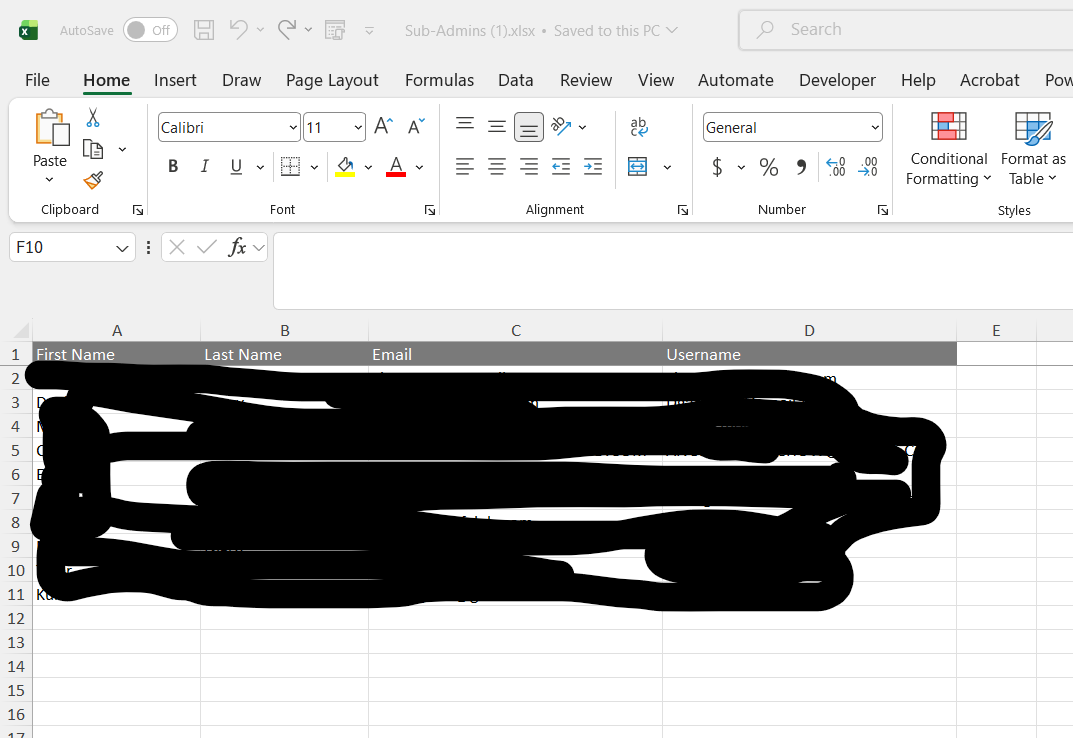
Additionally, when I clicked on Export in the below picture, it only exported the 10 records shown on the first page (1 of 10). Since there is no "show all" feature, the export is not helpful ... especially when I need to run system access audits.
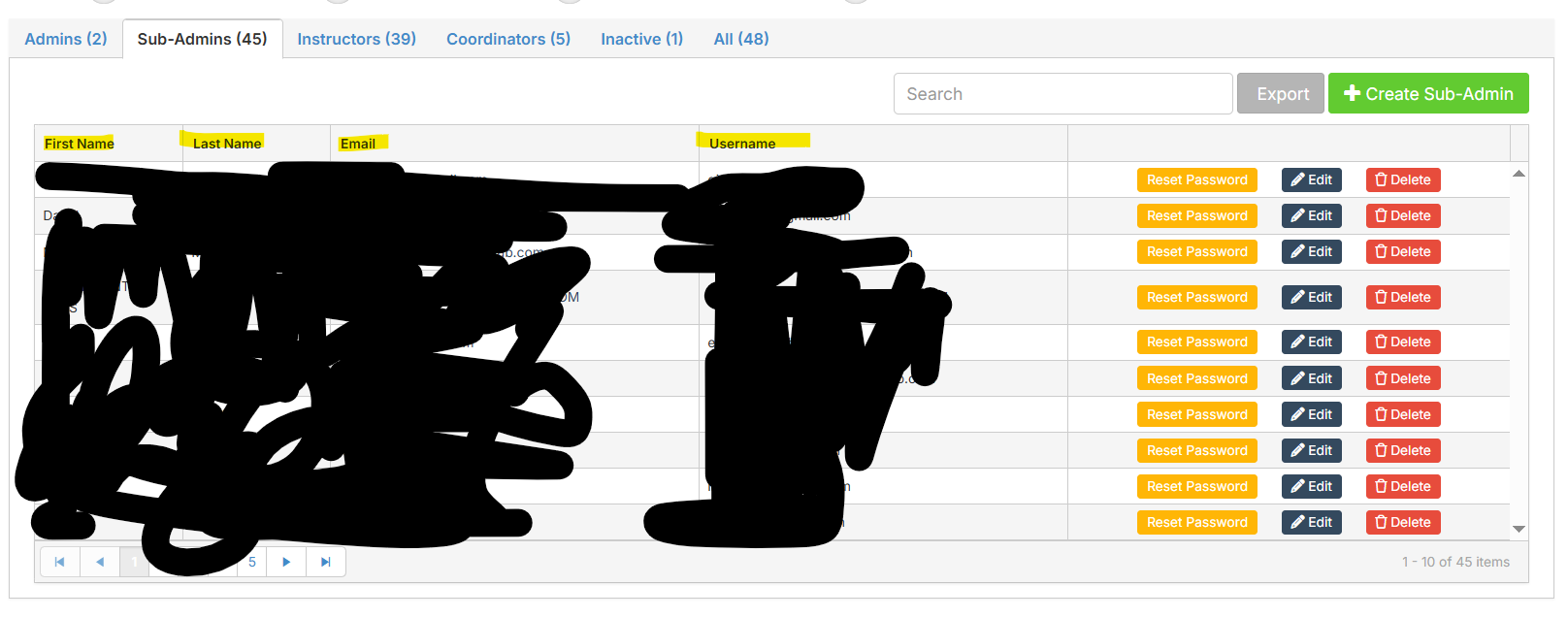
[Export only exports 10 records, not very helpful]
Customer support service by UserEcho


I also want to note that when it comes to choosing an instructor for a specific event, not having our staff in some form of alphabetical order make it not easy to find. User's are listed under the instructor option per when they were entered into the system, so if a new hire was made he/she is at the bottom of the list.