Your comments

CLOSE - NOT AN ISSUE
Agree! We have the same issue. It should also display whether they have a membership that includes access to an event).
ALSO SEVERAL OF THE REPORTS, WHEN DOWNLOADED, COME INTO EXCEL WITH MISMATCHED DATA TYPES. NUMBERS COME IN AS TEXT AND WE HAVE TO USE THE TEXT TO COLUMNS FUNCTION TO USE THEM AS NUMBERS. NOT EVERYONE KNOWS HOW TO DO THIS.
Agree with this. This is how MindBody handled it:
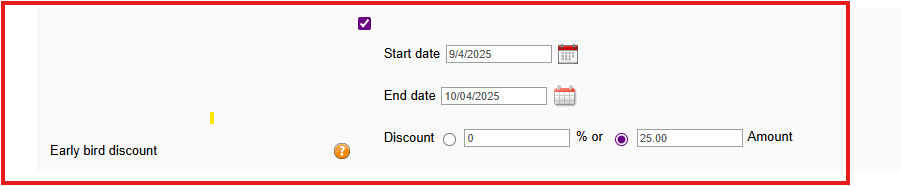
I agree - it should also be on the booking screen too because we need to know at the time of booking because we are finding cases where staff books the lesson but they either forget or don't have access to look at the details of a client and their packages/billing. We end up chasing money after-the-fact. This should be a standard out-of-the-box feature.
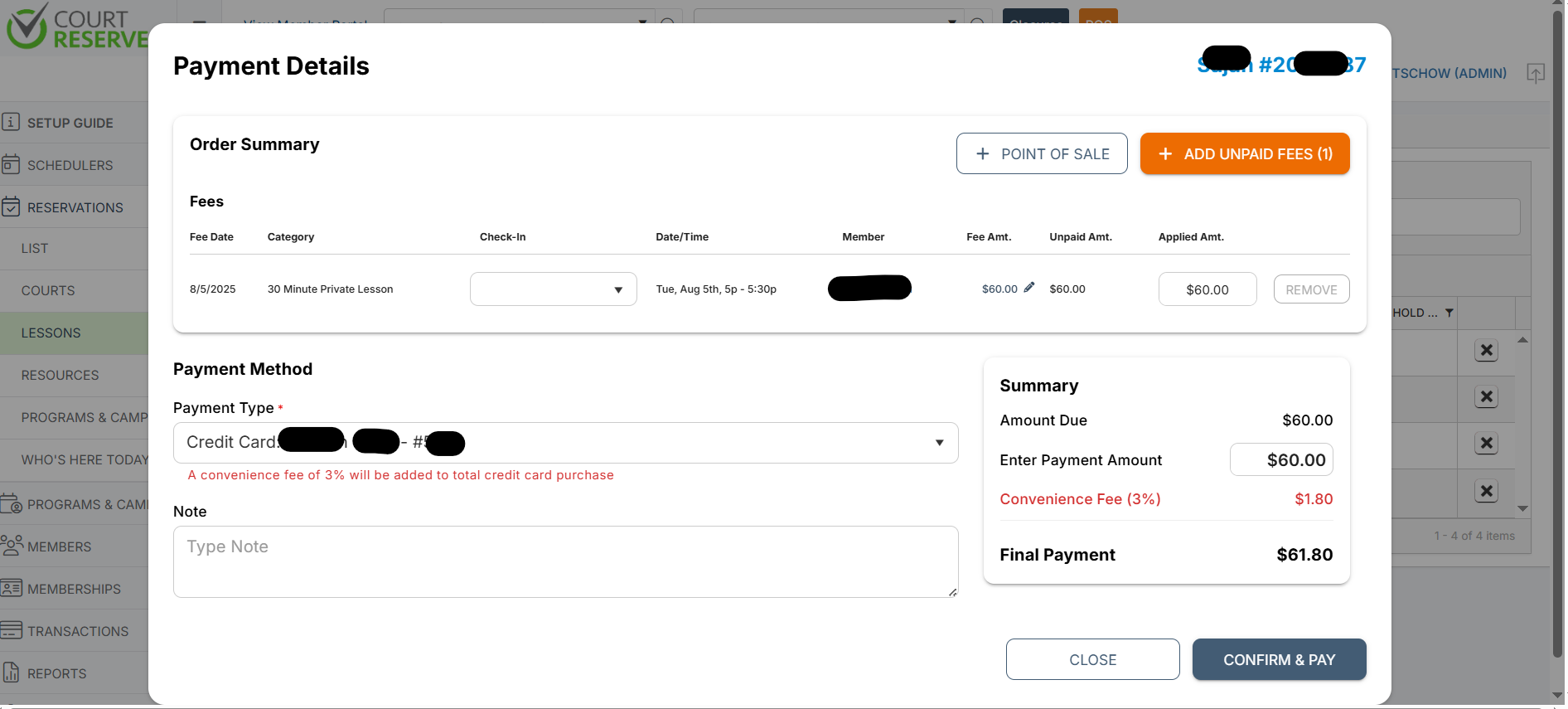
Additionally, the system adds it when there is a card on file but not when someone is tapping or inserting the card so it doesn't make sense why allow one method over another.
Customer support service by UserEcho


This is messy and I can't read every line.
If Pricing was all on one screen, categorized by which type of booking can use the pricing, we wouldn't have to hunt for all the screens that utilize prices/costs. Especially when it comes to the events and reservations... being able to pick pricing from a prepopulated drop down box when you are making the reservation would be a huge time saver. Then, you could set membership pricing exceptions thereafter.
Pricing also resides on:
1. Each Event screen but per membership
2. Lessons screen but per membership
3. Packages Screen but per membership
4. Misc Fees (under settings -> Reservations -> Misc Fees)
5. Memberships
6.Billing settings - Memberships
7. Then, each reservation